A familiar starting point
Use Dutch or English instructions and visual blocks. Start from a working example so pupils can predict, investigate, and change something themselves.
Pliro Classroom · For schools
Make programming part of your school’s learning programme. Pliro Classroom combines Dutch and English code, visual blocks, and creative projects with an education licence for teaching and supporting your learners.
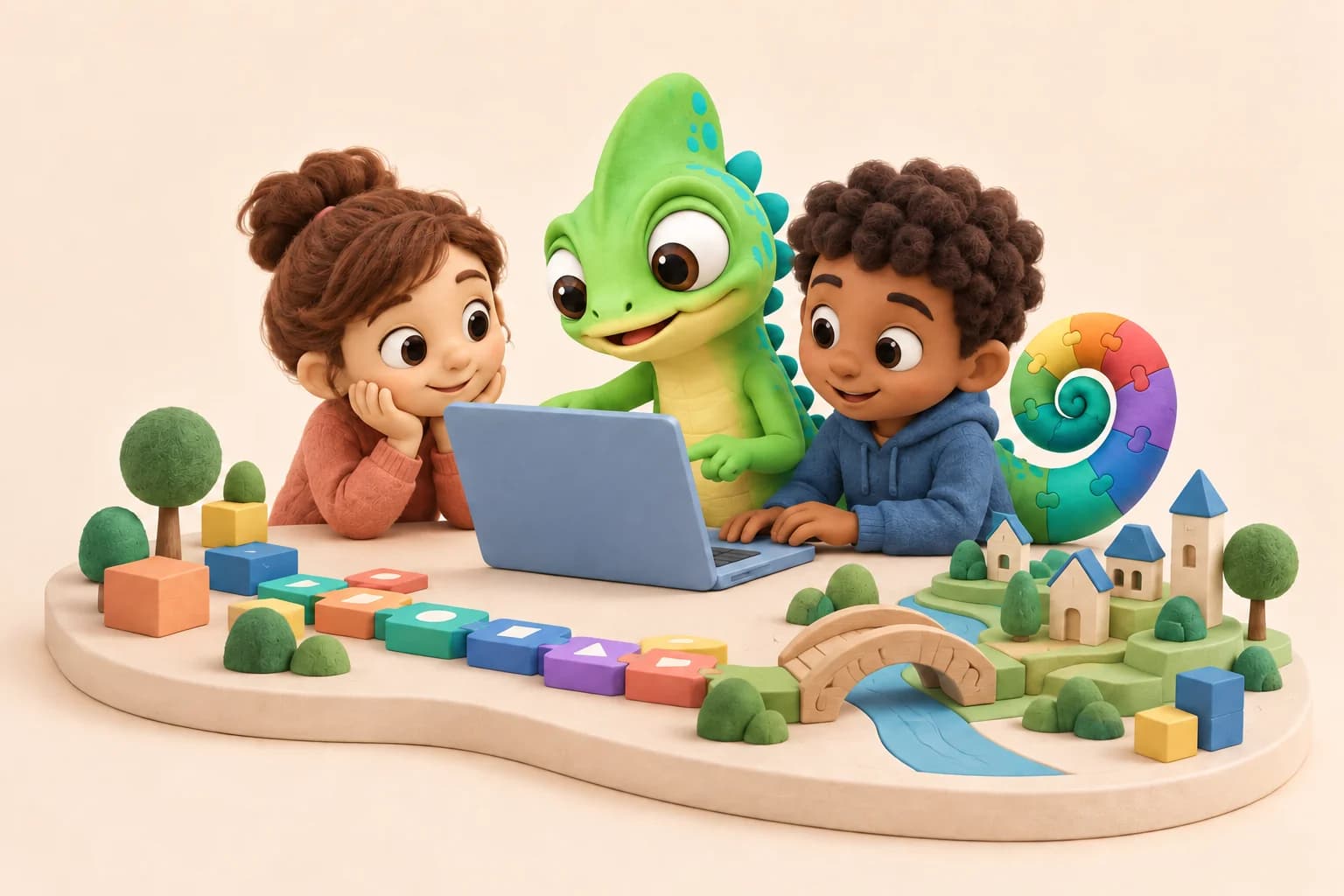
Bring the learning experience and the classroom licence together around the way you teach.
Use Dutch or English instructions and visual blocks. Start from a working example so pupils can predict, investigate, and change something themselves.
Connect a drawing to the instructions that created it. Build on that understanding with patterns, games, and projects that learners can explain.
The Classroom offer includes named learner seats and explicit, teacher-authorised status and preview sessions over the local network.
A lesson you can picture
A 45-minute lesson can start with one small program. Let pupils predict, run, investigate, modify, and make, using the structure described in Pliro’s school materials.
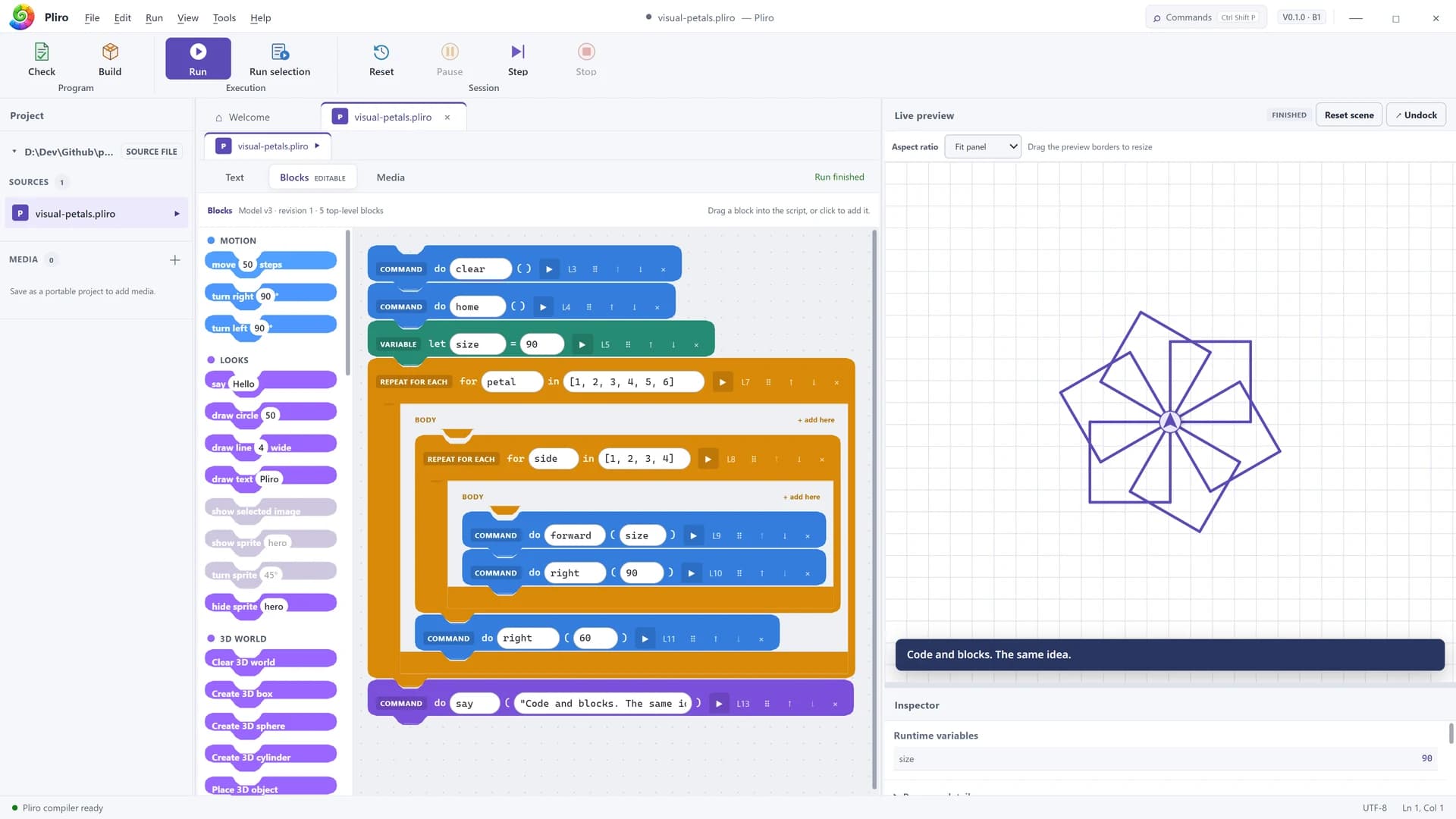
Sketch what the code will draw.
Compare the result with the prediction.
Work out which instructions belong together.
Change one value and explore the difference.
Create a variation and explain a choice.
Use the free lesson pack for a four-lesson route through instructions, patterns, debugging, and independent design. Adapt the pace and support to your group.
Open the lesson packPliro Classroom · For schools
Both annual school plans include the Pliro learning tools, classroom workflows, 100 named learner seats, and up to 35 concurrent previews.
For programming lessons
€149/year
Excl. VAT · billed annually
For educators who want to teach programming and guide learners through their own creative projects.
For educators who also build
€249/year
Excl. VAT · billed annually
Everything in Classroom, plus Creator Pro for the educator’s own more advanced application work.
The Pro entitlement applies to one educator. It does not give every learner Creator Pro capabilities.
Prices exclude VAT. Applicable VAT and the total are shown at checkout. Current prices, licence terms, and the full plan comparison are available in the education offer. View the current education offer
Pliro Learner and the lesson materials are free. Choose Classroom when you need the education licence, learner allocation, and classroom workflows.
Explore the free lesson materialsDownload the Windows editor and work through a free example. Check how the language and lesson materials fit your pupils.
Read the teacher guideMatch the licence to the educator’s needs. Review learner seats, concurrent previews, device limits, and billing in the education offer.
View the education offerArrange activation and local-network access for classroom previews with your IT contact. Start with a small group before expanding.
Read the setup guidePliro is in active development. Confirm the current release and setup requirements before a wider school rollout.
Learner includes the core programming and project tools, and the lesson materials are freely available. Classroom adds the education entitlement: educator classroom workflows, named learner allocation, and teacher-authorised local-network status and preview sessions.
Each annual school plan includes 100 named learner seats. Separately, the plan supports up to 35 classroom previews at the same time. The preview limit is a concurrent session allowance, not the number of learner seats.
Choose Classroom + Pro when the educator also needs Creator Pro capabilities, such as professional application tools and release workflows. Pro is included for one educator; it is not a Pro licence for every learner. Both school plans have the same learner-seat and preview allowances.
The current school offer provides the Windows desktop editor. Classroom previews use the local network and explicit teacher authorisation. Check installation, activation, and network requirements with your school’s IT contact. A Raspberry Pi is not needed for the drawing and coding lessons.
No. The Pliro school website provides free editable lesson cards and a teacher guide. Start with its examples and discussion prompts, then adjust the pace and difficulty for your pupils. The materials can also be used with Pliro Learner.
Email Logicos with the number of educators, learners, and devices you want to support. We can discuss the appropriate licence setup before you order. The published plans and their limits remain the starting point.
Choose an annual Classroom plan, or tell us about your educators, learners, and devices so we can discuss the right setup.