Two products. Two different workflows. One careful way of building.
These are our own products. The screenshots show real interfaces, and the stories focus on the problem and design choices rather than unverified performance figures.
01 / Education / creative coding
Pliro
A programming language and creative workspace that helps beginners connect instructions to what happens on screen.
Actual product interface
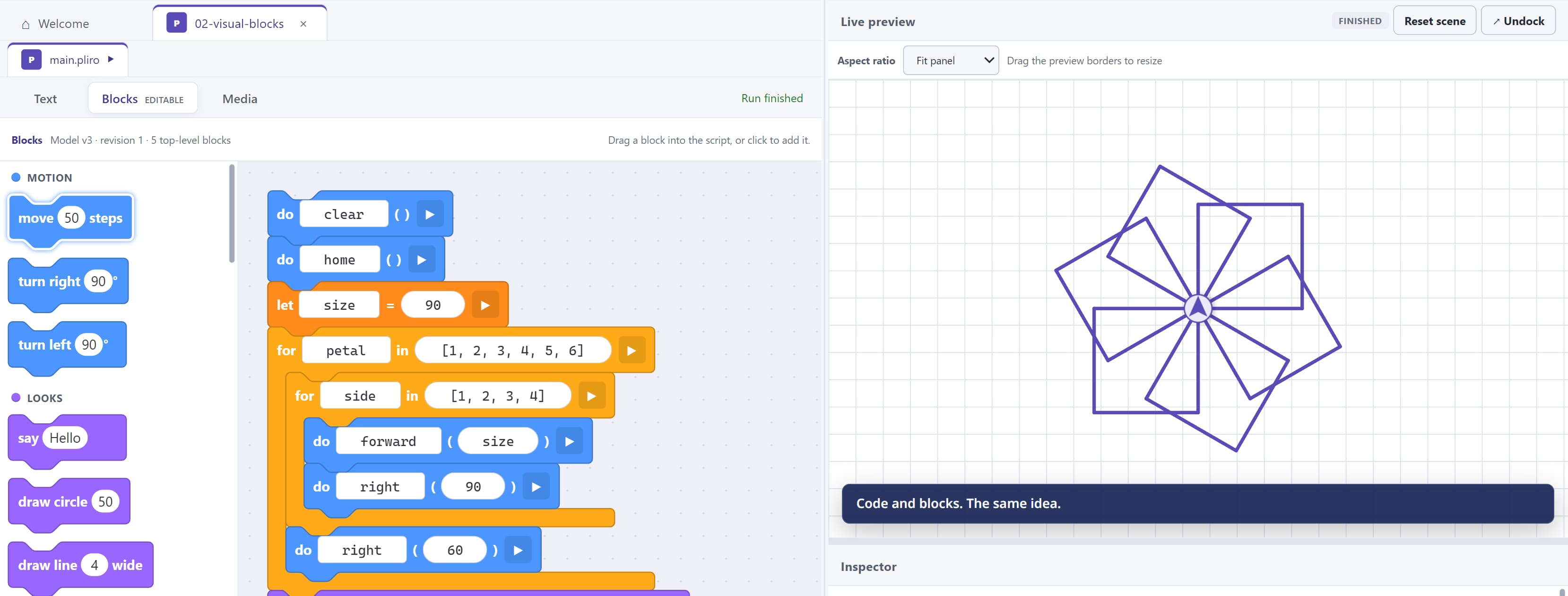
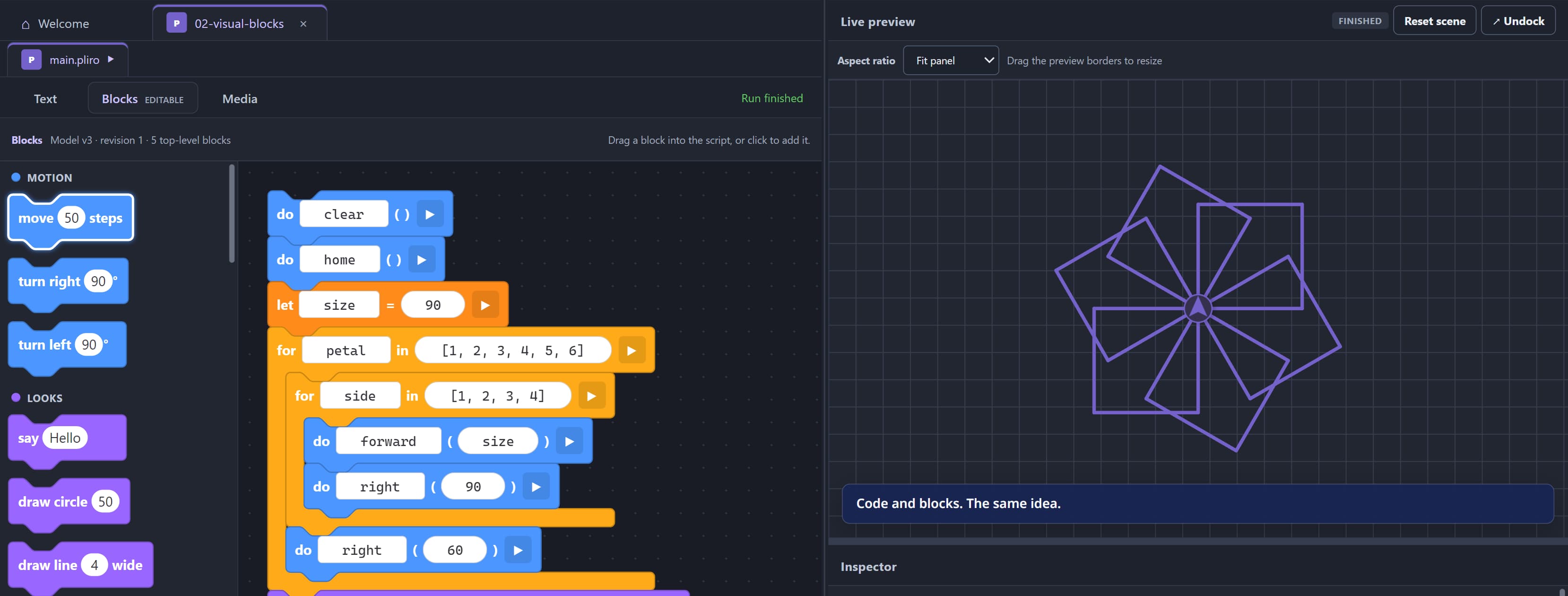
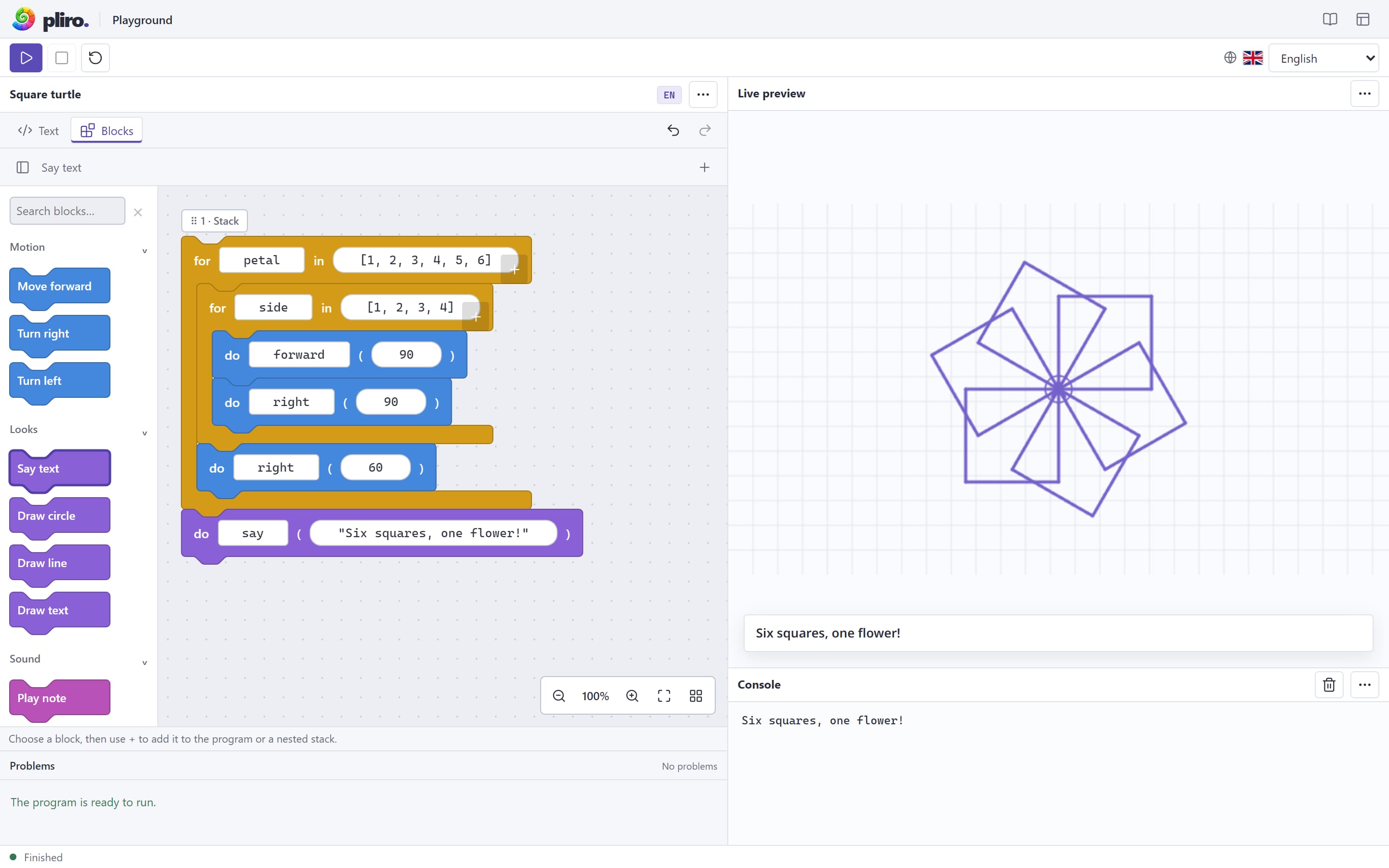
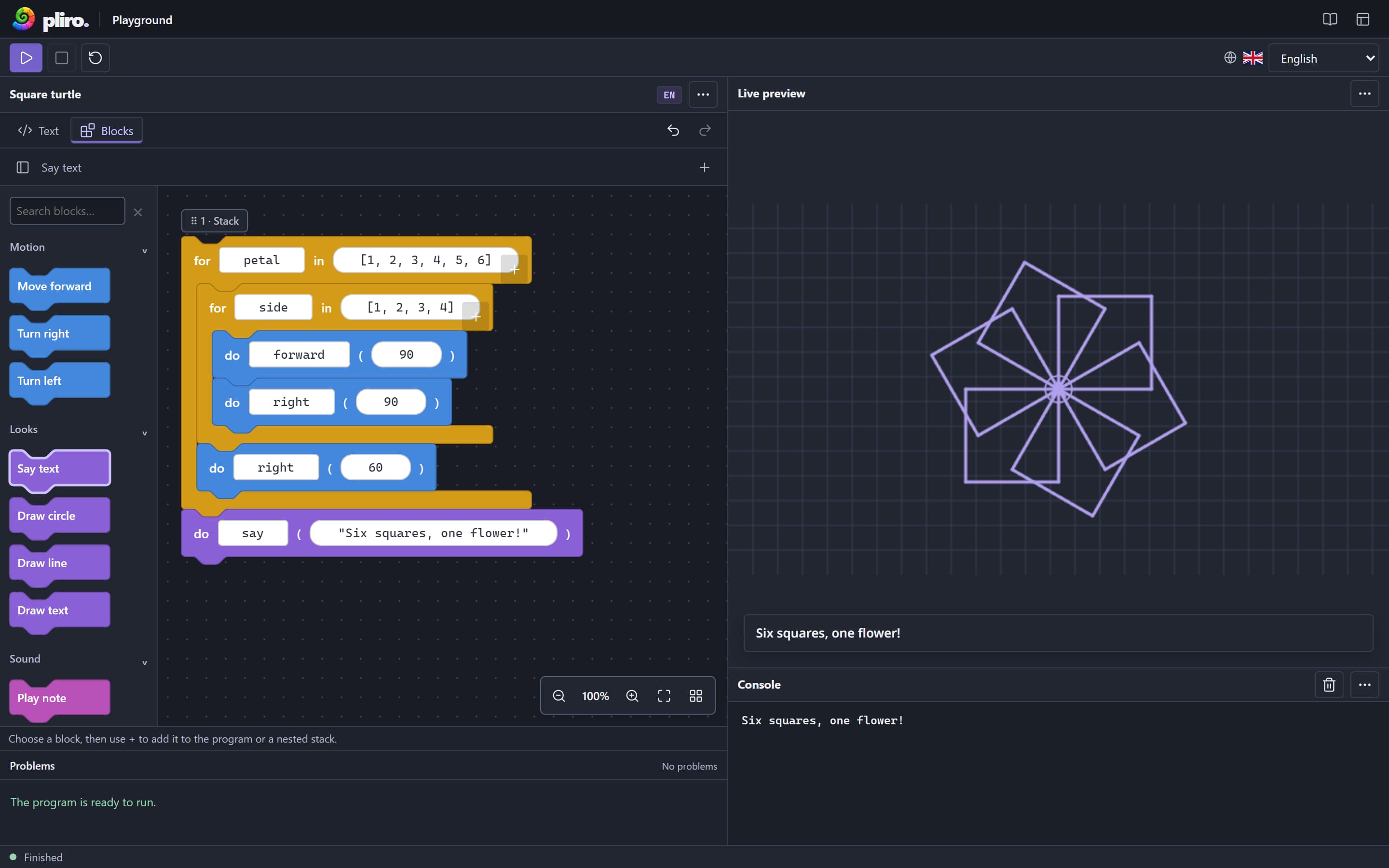
Pliro editor and playground, shown in English.
01
The challenge
A first lesson can ask learners to decode unfamiliar words before they can explore what a loop or condition does. A visual tool also has to stay faithful to the text version of a program.
02
Our approach
Pliro brings Dutch and English source text, blocks, and immediate visual output together. The Text and Blocks tabs represent the same program; turtle drawing makes the effect of each instruction visible.
03
What exists today
The product includes a desktop editor, browser playground, creative projects, and school materials. These localized screenshots show the blocks view and browser playground, not classroom outcome data.
02 / Document workflows / desktop software
InkSmith
A local-first desktop studio for designing repeatable documents and turning data into finished PDFs.
Actual product interface
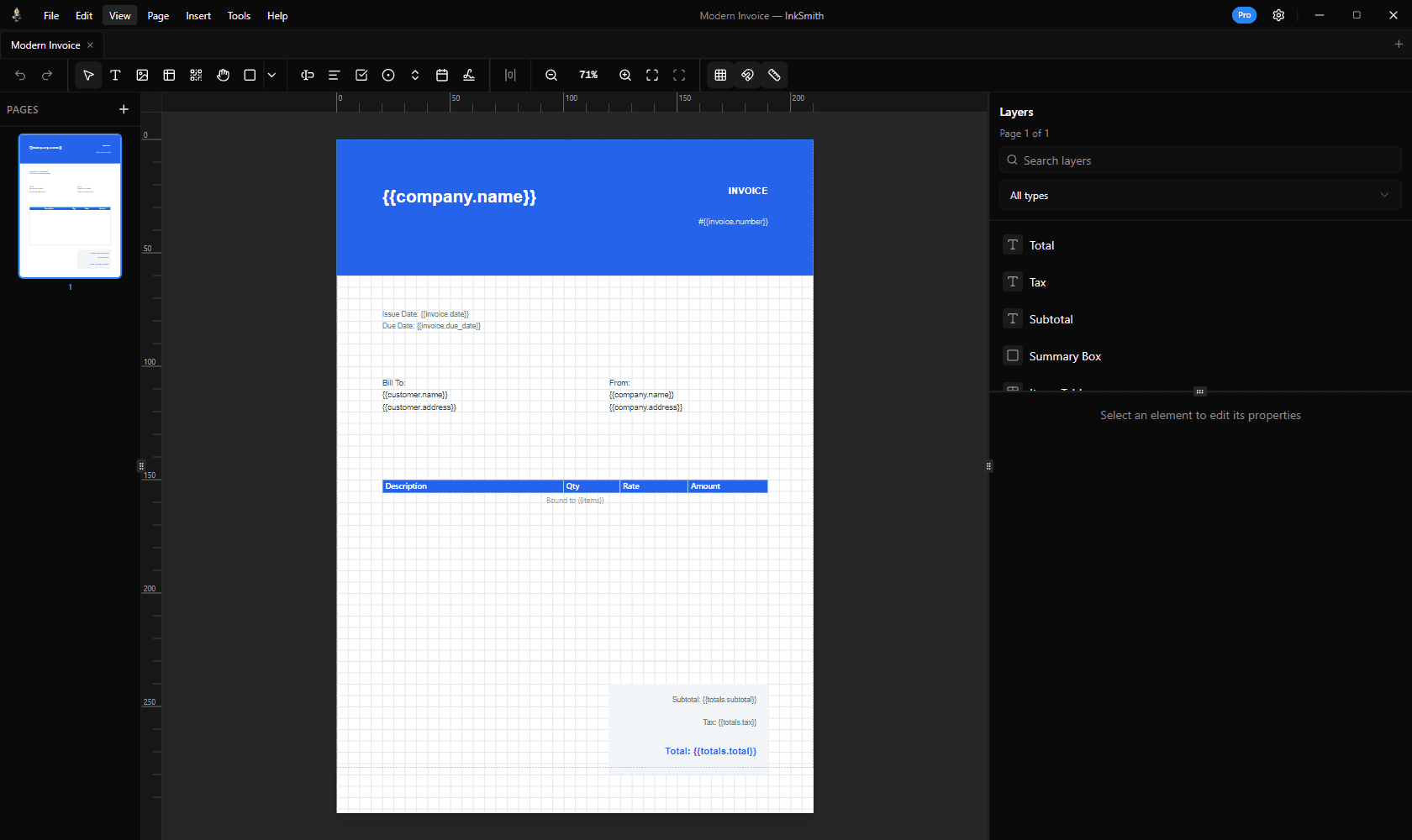
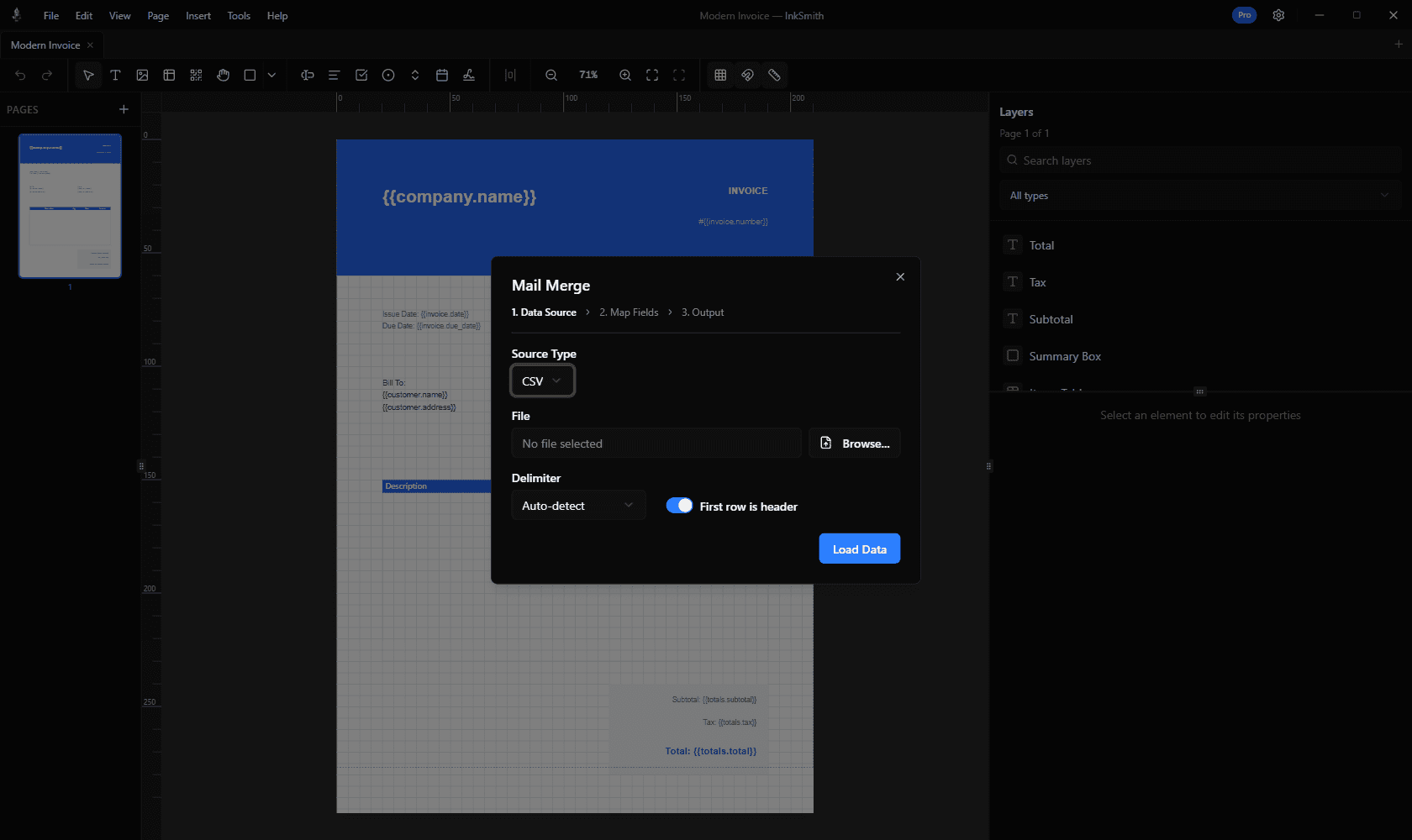
InkSmith invoice editor and mail merge preview.
01
The challenge
Invoices, forms, and mailings need consistent layouts, changing data, and predictable output. Some teams also need to keep documents and customer records on their own machines.
02
Our approach
InkSmith puts visual layout, data binding, mail merge preview, and PDF export in one desktop application. Templates remain portable, and users can inspect a record before a batch run.
03
What exists today
The current product includes a visual editor, CSV and JSON data sources, mail merge, template sharing, and PDF export. The screens show the invoice editor and mail merge preview.
Your workflow / next
What should your software make easier?
Tell us how your team works today and what needs to change. We can map the problem together and decide what to build.