Create personalised PDFs from your data.
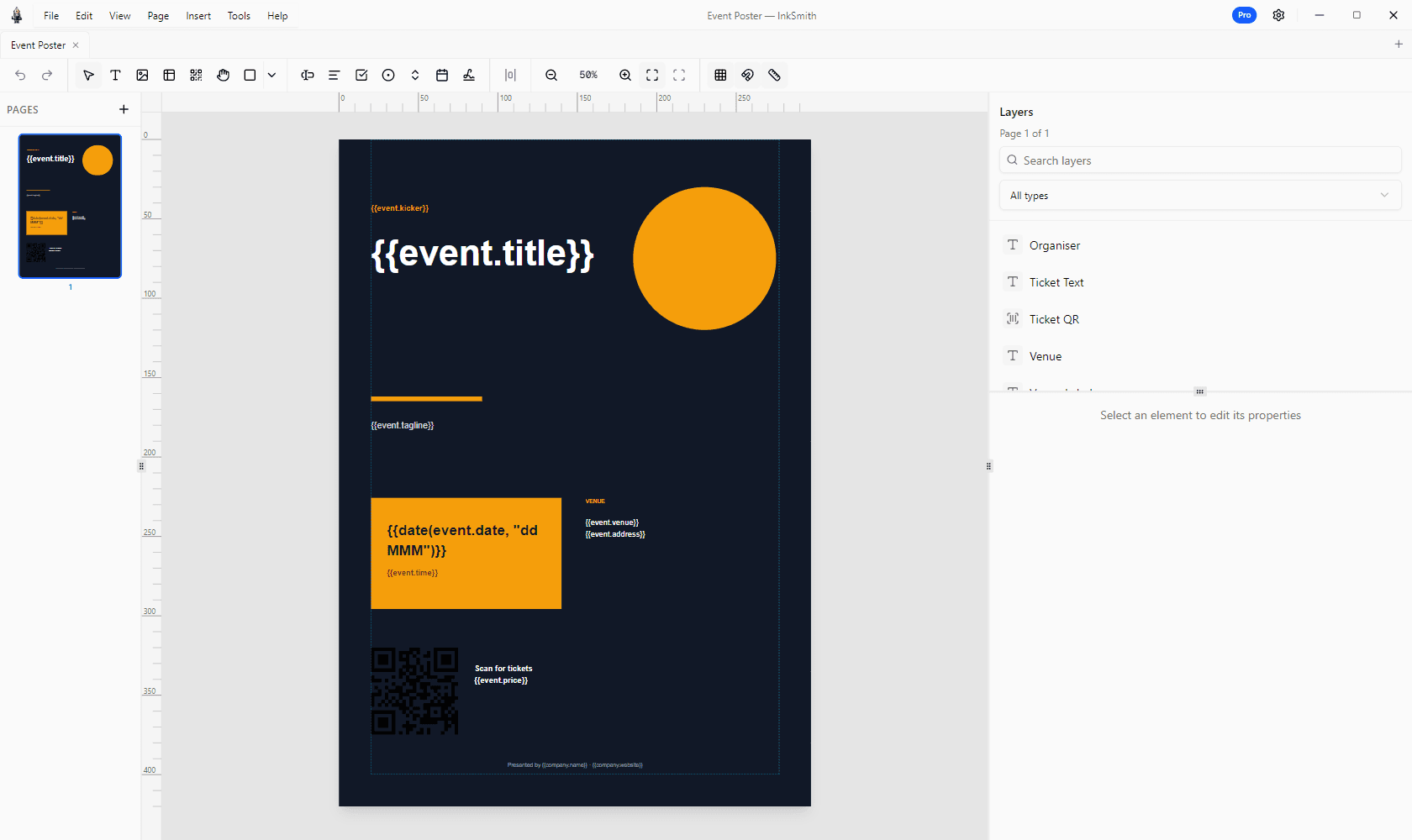
Design documents visually, save reusable templates, connect your data, preview each record, and export finished PDFs in one desktop workspace.
- Free remains available
- 14-day Pro trial
- Desktop application
- Windows and Linux installers
The visual editor and core templates remain available. Explore Standard and Pro when you need more production tools.
Create and export documents locally. Press Control is a separate remote service for shared templates and jobs.
Connect CSV or JSON, preview real records, and export documents from one workspace.
Standard adds PDF and print tools; Pro expands data sources, forms, and batch output.
One template. Documents made for each recipient.
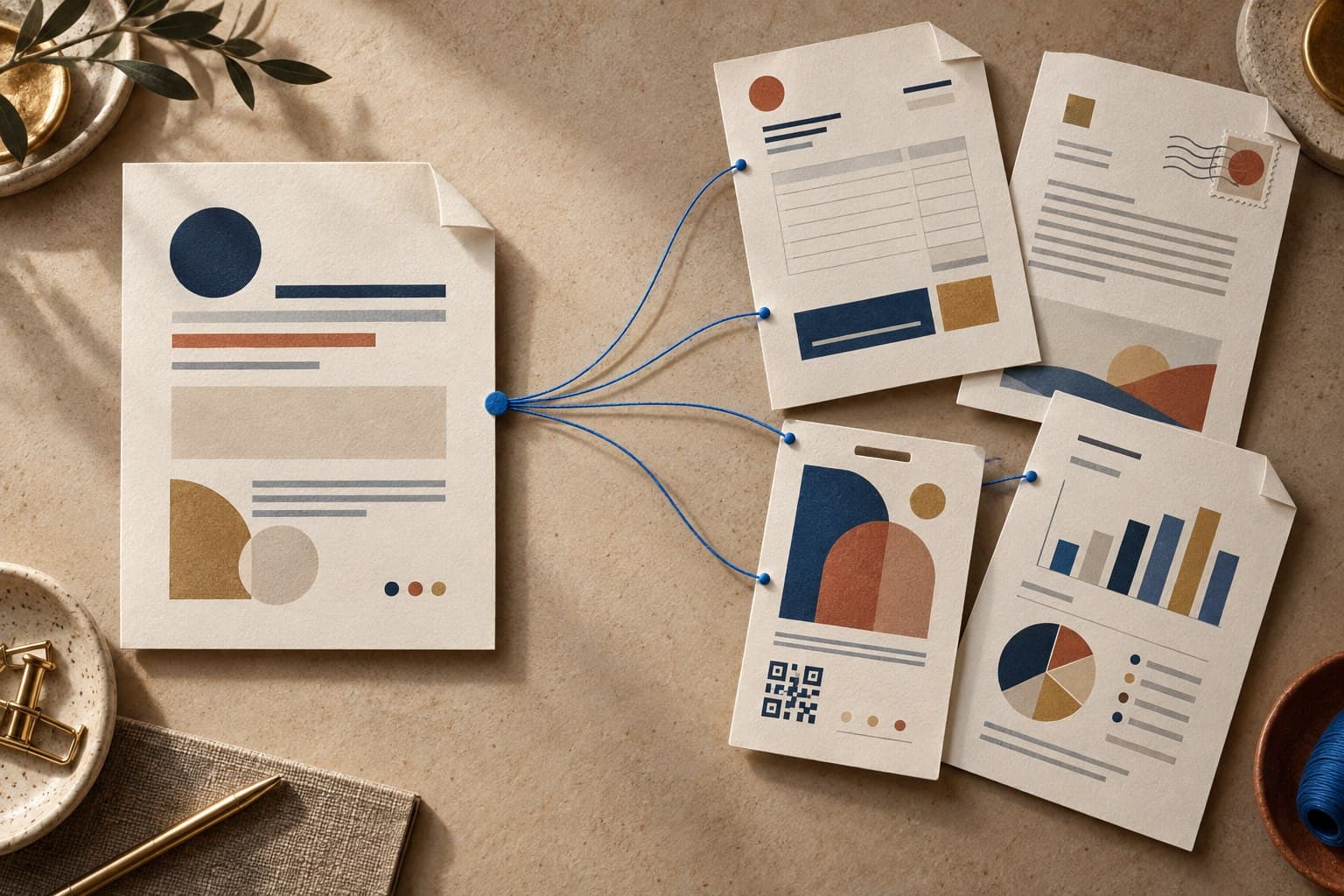
Design an editable page, connect the details that change, and inspect each result before you send it.
- 01
Design a template
Start with a built-in design or a blank page. Place text, images, tables, and charts in the visual editor.
- 02
Connect and preview data
Bind CSV or JSON records to fields, images, and charts. Preview each personalised document before export.
- 03
Export finished PDFs
Review the output and create a PDF for each record. Pro can also combine a batch into one PDF.
A capable document studio, free for good.
Use the visual editor, core templates, CSV and JSON data, and mail merge without a time limit. A paid edition expands PDF output and production tools.
Yours to use for free
Start with Free- Visual editor with layers, guides, and editable elements
- Built-in core templates for everyday documents
- CSV and JSON data sources
- Mail merge with a preview for each record
- Save and share templates as portable .inks files
- Images, shapes, tables, and charts
More production tools with a license
- PDF export without the Free footer credit or page limit in Standard and Pro
- Quality and CMYK options plus PDF editing in Standard and Pro
- Up to 100 records per batch in Standard; unlimited merged batches in Pro
- Excel and database sources, fillable PDF fields, and IDML import in Pro
Free exports the first 2 pages in draft RGB with a small InkSmith Free footer credit. Mail merge is limited to 5 records per batch.
Compare editionsFrom first layout to final PDF.
Design visually, connect the content that changes, and check the result in one desktop application.
Visual editor
Place text, images, shapes, tables, and charts on the page. Refine the layout with layers, guides, and editable properties.
Data-driven documents
Connect text, images, and charts to CSV or JSON data in every edition. Excel and database sources are available in Pro.
Mail merge
Preview individual records before exporting personalized PDFs. Pro can also deliver an unlimited batch as one merged file.
PDF output
Check your document in the preview. Standard and Pro offer PDFs without the Free footer credit or page limit, plus quality and CMYK options.
PDF editing
With Standard and Pro, import existing PDFs, edit pages, and redact text. Review the import report for any limitations.
Forms and codes
Add barcodes and QR codes with Standard or Pro. Pro also offers fillable PDF fields and IDML import.
Design and export on your desktop.
InkSmith Desktop processes documents locally. Organizations that need a shared template library and production jobs can separately use the remote Press Control service.
- Free remains available after the 14-day Pro trial
- CSV and JSON are available in every edition
- Portable templates are saved as .inks packages
- Press Control requires a separate entitlement and server
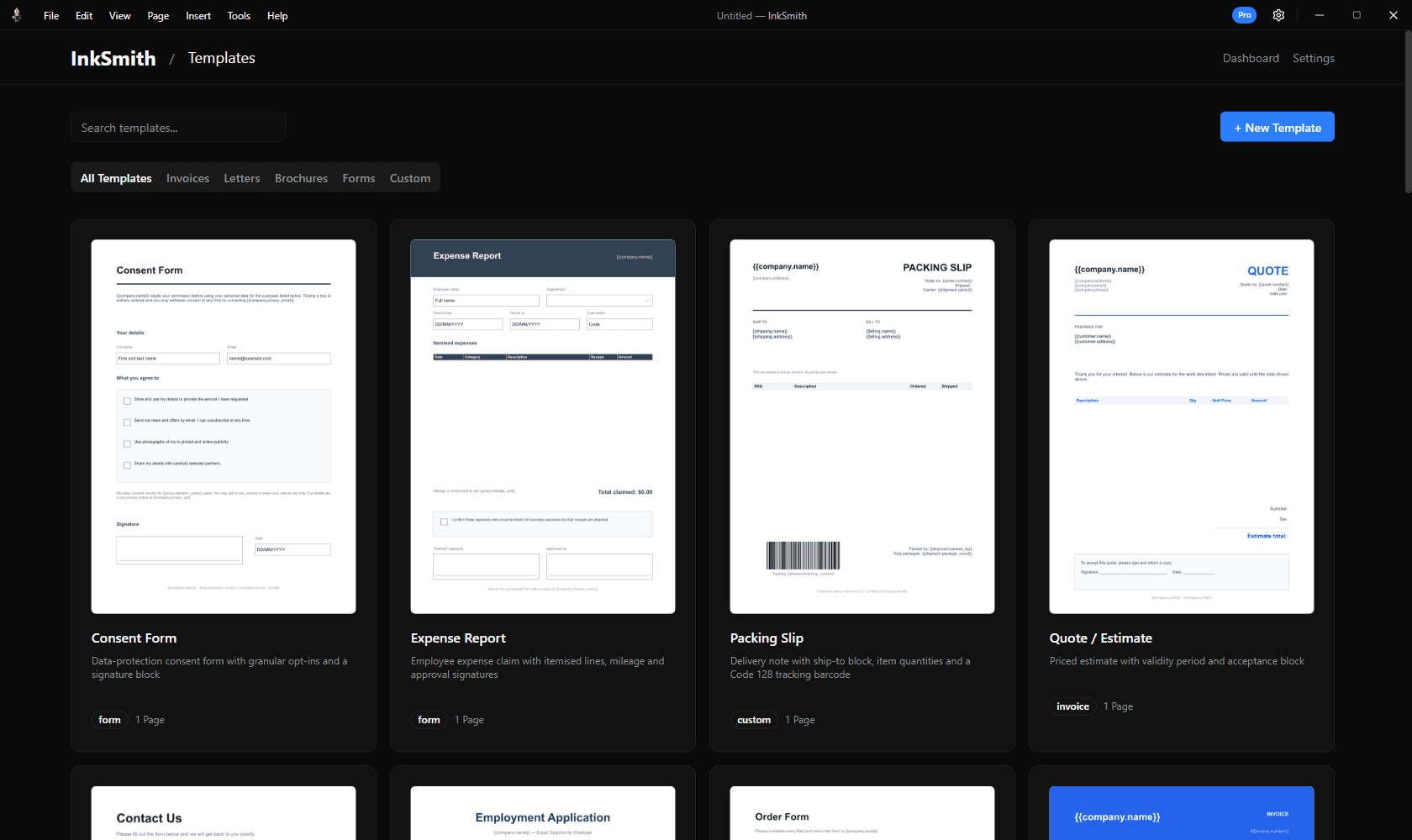
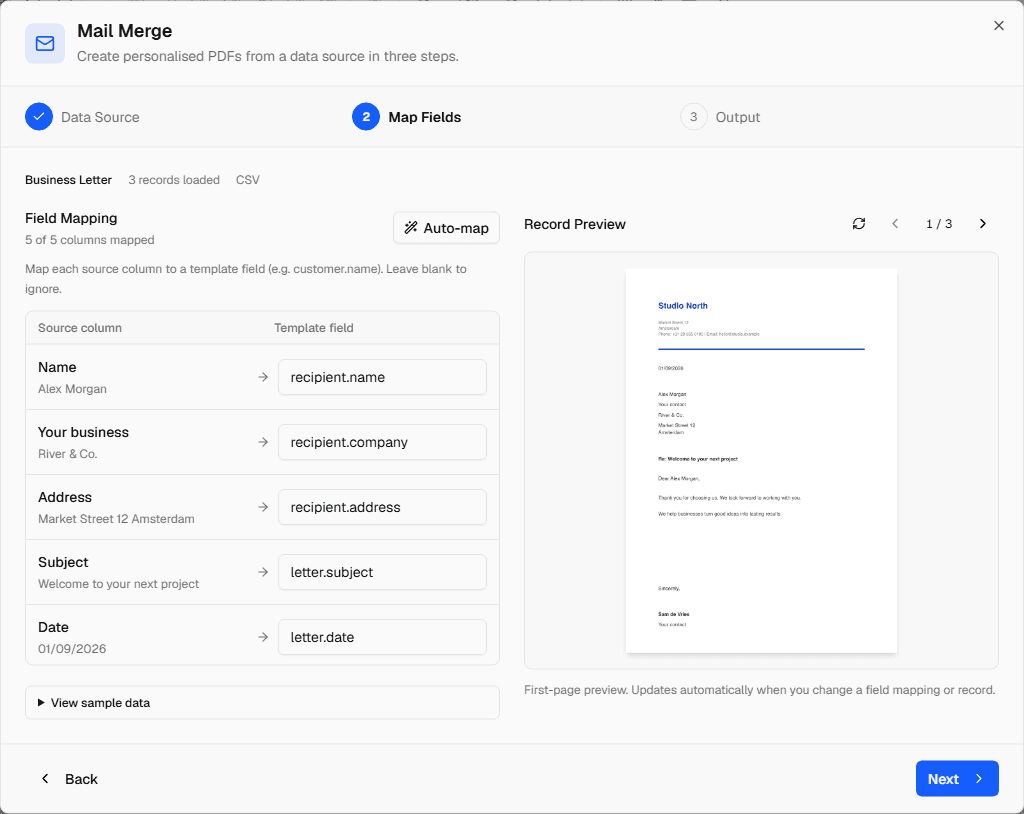
One design for many documents.
Connect a template to CSV or JSON data and preview records before export. Free handles 5 records per batch, Standard 100, and Pro unlimited records with the option of one merged PDF.
Compare editionsQuestions before you download
Is the Free edition really free?
Yes. Free remains available after the 14-day Pro trial. The visual editor, core templates, CSV and JSON data, and mail merge remain usable.
What are the Free limits?
Free exports up to the first 2 pages in draft RGB with a small InkSmith Free footer credit. Mail merge is limited to 5 records per batch.
Can I share my templates?
Yes. Save templates as portable .inks packages and share them across installations. The core template library remains available in Free.
Which operating systems are supported?
The download page lists installer options for Windows and Linux and shows which are currently available.
Can I upgrade later?
Yes. You can choose an available paid edition from Free. Your existing documents and templates remain in place.
How much does a license cost?
Available offers and local prices depend on your billing country. Check current pricing and license terms at inksmith.world/pricing.
Where is my data processed?
InkSmith Desktop designs and exports documents locally. The optional remote Press Control service for shared templates and jobs requires a separate entitlement and server.
Start your first document.
Download InkSmith, open a template, and preview your first PDF. Try Pro for 14 days and continue using Free afterward. See current paid offers when you need more production tools.
14-day Pro trial · Free afterward · Windows and Linux installers