Developing Pliro: Programming in Your Own Language
Published: September 24, 2026
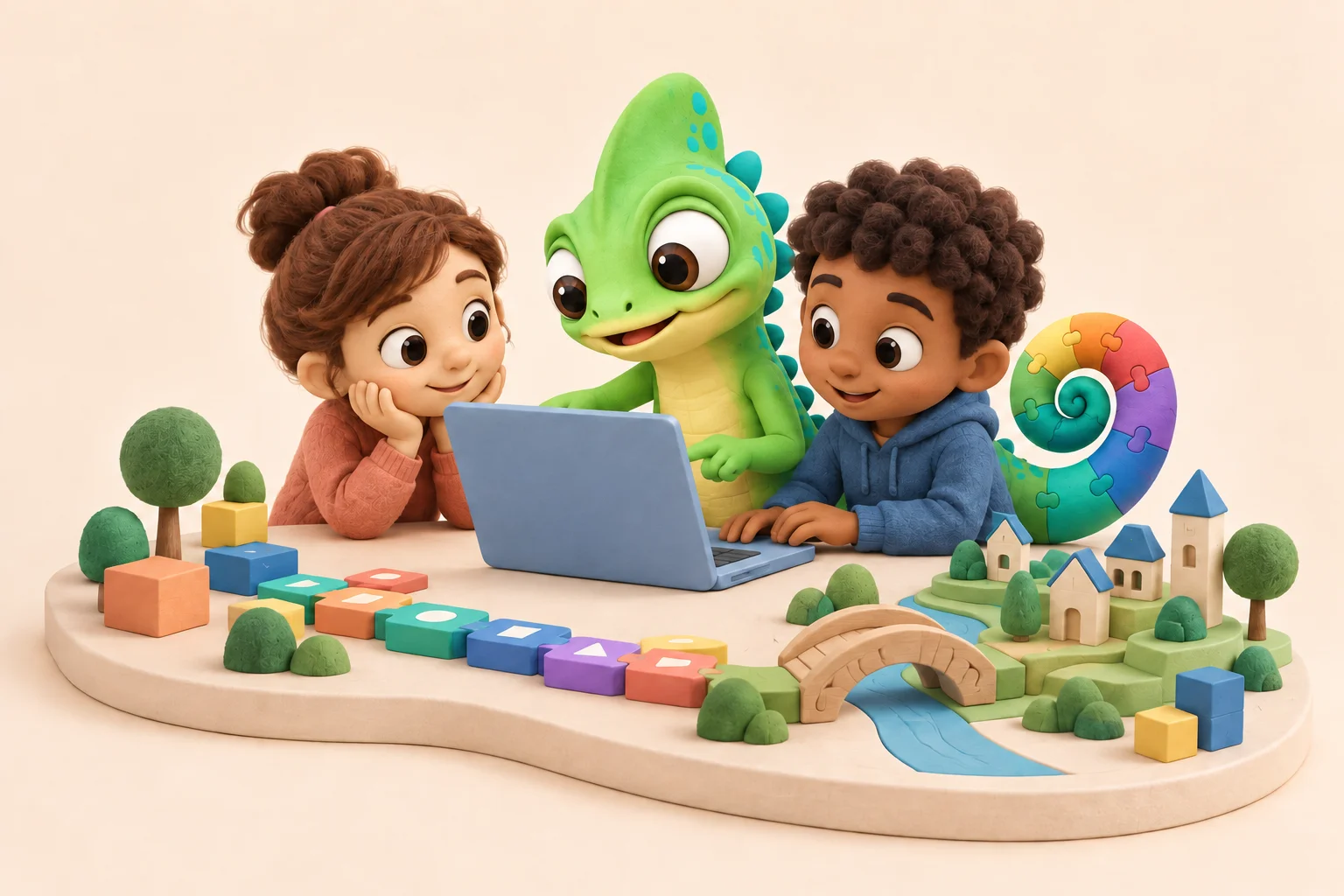
A child changes a number, runs a program, and watches a drawing change. That small experiment brings several ideas together: instructions have consequences, a prediction can be tested, and a mistake gives you something to investigate.
That is the kind of experience we want to make accessible with Pliro, the programming language and creative workspace developed by Logicos Software. It applies our software engineering experience to an ambition close to home: helping children in the Netherlands take their first steps in programming in their own language.
Pliro 1.0 officially launches on 5 October 2026. As we work towards that milestone, we want to share the ideas behind the language and its tools.
Developing Pliro means thinking about the language, the editor, and the learning experience together. Each has to help a learner connect an instruction to what happens on screen.
Start with words a learner understands
Before a beginner can explore a loop or a condition, they need to understand the instructions in front of them. Pliro supports Dutch and English source code, so familiar words such as vooruit and rechts can provide a starting point for making a drawing.
This reaches beyond translating menus. The editor can convert language keywords and known function aliases between Dutch and English while keeping the learner's own names and text intact. The program remains their work as they explore another way of expressing it.
For us, that distinction matters. Learning a programming concept and learning unfamiliar vocabulary are different tasks. Pliro gives learners a way to approach them at their own pace.
Connect visual blocks to readable code
Blocks make the structure of a program visible. A loop can contain the instructions it repeats, and a learner can see which pieces belong together. Text offers a compact way to read and work on the same idea as it grows.
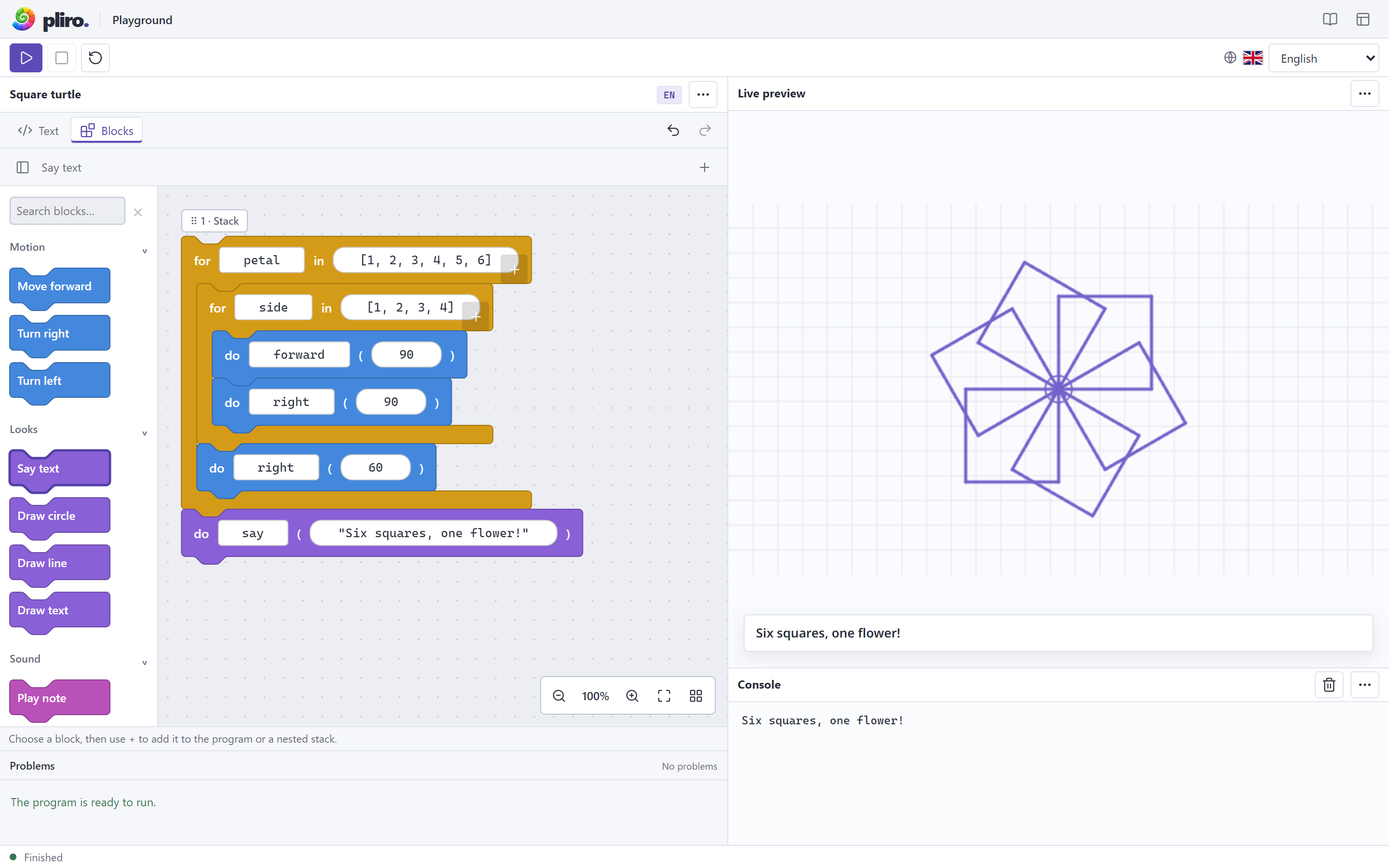
Pliro brings those views into one editor. The Text and Blocks tabs represent the same program, allowing learners to explore the relationship between a visual structure and its written form.
That connection also creates an engineering responsibility: switching views must respect what the learner has written. The editor guide describes how constructs without an editable block must remain as code or be identified as unsupported. A visual representation needs to be honest about what it can show.
Keep the result close to the instructions
In Pliro, code and visual output sit beside each other. Turtle drawings are a useful first project because the relationship is concrete: a distance changes the length of a line; a turn changes its direction.
A learner can predict a result, run the program, and compare. Changing one instruction gives the next experiment a clear focus. The same approach can carry into games, where a rule might control movement, a score, or a response to a button press.
The workspace also includes diagnostics and tools for inspecting a running program. These serve the same purpose as the drawing: giving the learner something they can examine when a result differs from their intention.
Give small projects room to grow
A first drawing may fit in a few lines. A game can need several source files, pictures, and sounds. Keeping those parts manageable is another part of developing a learning environment.
Pliro supports readable .pliro source files and portable .bipli projects that keep related code and media together. The desktop editor brings project management and sprite creation into the workspace. Learners can also explore virtual components such as lights and buttons before working with physical hardware.
Supported native builds let a finished application run without the Pliro editor. The editable project remains the place to return when its maker wants to change the rules, add a character, or try another idea. Available targets and edition details are covered in the Pliro documentation.
Build around the lesson, too
An editor is one part of what a teacher needs. Examples, explanations, and time to discuss an unexpected result also belong in the learning experience.
Pliro's school materials provide a way to connect the tools to classroom activities. A small drawing can become a conversation about angles and repetition. A game rule can become a question about how to describe a decision precisely.
Our ambition extends beyond preparing future developers. We want to give children opportunities to reason about technology, make something of their own, and explain their choices. Those are the experiences we are designing for.
Keep developing from that first discovery
Pliro continues to grow. For Logicos Software, the guiding question remains practical: does this help someone understand their program and take the next step?
Explore Pliro at Logicos, visit the Pliro website for current downloads, or open an example in the documentation. If you are a teacher, school, or organisation interested in the project, talk to us about how you would like to use it.